Poor artwork is the cause of most reprints. Here is exactly what print-ready means and how to supply it correctly.
Print-ready artwork has a specific meaning — and getting it wrong is expensive. Most print problems are caused by artwork not set up correctly before being sent to a supplier.
The essential requirements
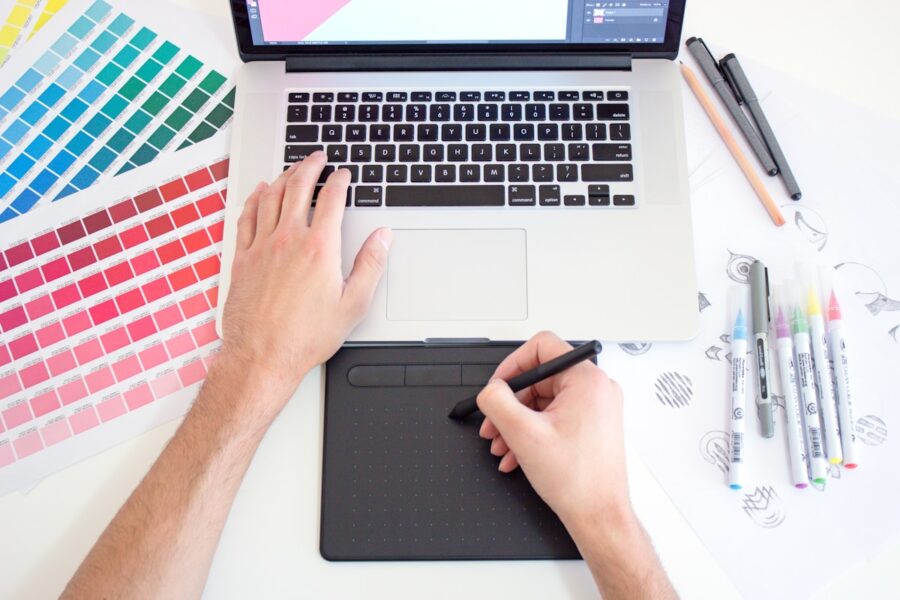
Colour mode: Print uses CMYK. Artwork designed in RGB and not converted will print differently from how it looks on screen. Resolution: Images for print should be 300dpi at the final print size. 72dpi will print blurry. Bleed: Extend all backgrounds 3mm beyond the trim line. Safe zone: Keep text 5mm from the trim edge. Fonts: Embed all fonts in the PDF or convert text to outlines.
The print-ready PDF
Supply artwork as PDF/X-1a or PDF/X-4. In InDesign: File > Export > PDF > Press Quality. Tick Use Document Bleed Settings and include marks and bleeds.
Ready to print sustainably?
Get quotes from our verified eco print supplier network — FSC certified stocks, UK printed.
Enjoyed this article?
Get more eco print guides, FSC tips and sustainability insights — straight to your inbox.
No spam. Unsubscribe any time. Privacy policy.